How to Turn Software Renewals Into Real Savings
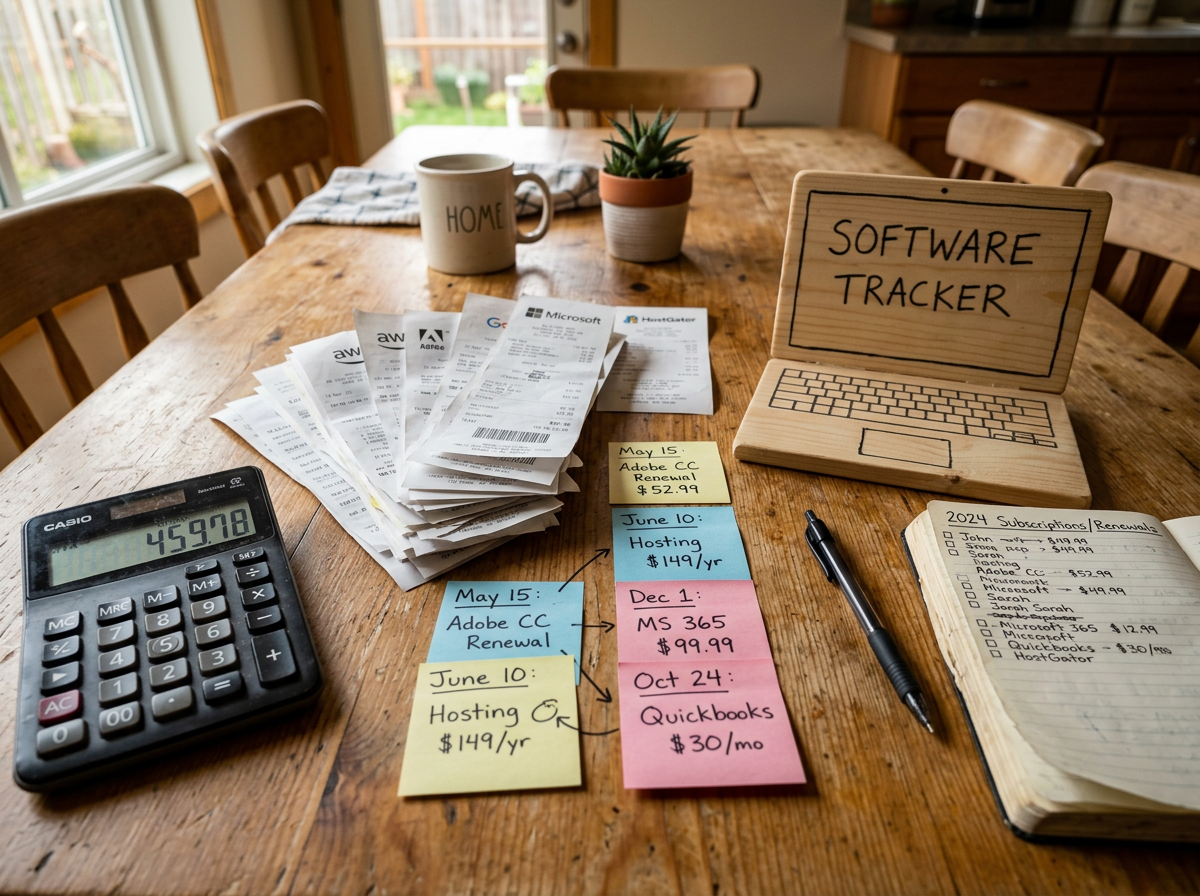
Somewhere, a software subscription is renewing quietly, minding its business, and charging your company like it pays rent.
Nobody remembers who bought it. The original project wrapped up two years ago. Half the licenses may be gathering digital dust. The renewal notice is probably heading to someone’s inbox right when they are already juggling twelve other things.
That is how small spend leaks become expensive habits.
A renewal is more than a date on a calendar. It is a chance to check whether the company still gets value from the tool, whether the agreement still fits the way people work, and whether the next invoice should be smaller than the last one.
The good news is that software renewal savings usually do not require heroic budget cuts. They come from discipline, timing, clean information, and a willingness to ask simple questions before the contract rolls over.
Why software renewals are easy to ignore
Software is often bought to solve a real problem in a hurry.
A team needs a project tool before a launch. Finance approves a reporting add-on before quarter-end. A department signs up for a niche platform because one client requested it. The purchase makes sense at the time.
Then the company changes.
People leave. Teams merge. Projects end. Workflows shift. A better tool enters the stack. A vendor changes pricing. The subscription remains.
Renewals slip through for a few common reasons:
- The person who bought the tool no longer owns it.
- The renewal notice goes to an old contact or a crowded inbox.
- The invoice amount looks normal, so nobody challenges it.
- The agreement renews automatically unless someone acts early.
- The tool is useful, but not at the same quantity or package level.
- Nobody has a full view of similar tools across departments.
None of this means anyone was careless. It means software buying moves faster than software governance.
That is especially true now. Many teams are experimenting with AI tools, automation apps, browser extensions, data platforms, and niche subscriptions. Some are low-cost at first. Some start with a pilot. Some are bought with a card rather than a formal procurement process. On their own, they look harmless. Across a company, they can become an unplanned category of spend.
The renewal moment is where you can slow that down.
Start by finding every agreement and renewal date
You cannot reduce what you cannot see.
The first step is not negotiation. It is inventory. Pull together every software agreement you can find, then turn scattered information into one clear renewal view.
Start with the obvious places:
- Contract repositories
- Accounts payable records
- Credit card statements
- Vendor portals
- Purchase orders
- Department budget files
- Email inboxes of known buyers
- SSO or identity management tools
- Expense reports
- Old implementation folders
If the details live in five inboxes and one spreadsheet called `FINAL_final2`, that is not a failure. That is a starting point.
For each product, capture the basics in one tracker. A simple spreadsheet is fine if that is what you can maintain. The best system is the one people will actually update.
Field | Why it matters |
|---|---|
Vendor name | Helps spot duplicate suppliers and related products. |
Product name | Makes it easier to match invoices to actual tools. |
Business owner | Gives each renewal a person who can confirm need and usage. |
Contract owner | Shows who can review terms and communicate with the vendor. |
Renewal date | Gives the team a deadline to work backward from. |
Notice period | Shows the last safe date to cancel or change the agreement. |
Current term length | Helps compare annual, monthly, and multi-year commitments. |
Current cost | Creates the baseline for savings and budget planning. |
License count | Shows what quantity the company is paying for. |
Billing frequency | Prevents surprise quarterly or annual charges. |
Auto-renewal terms | Shows whether silence equals another term. |
Cancellation process | Helps avoid last-minute confusion. |
Do not wait for the tracker to be perfect. A partial renewal calendar is still better than a surprise invoice.
The most important fields are renewal date, notice period, owner, and current cost. If those four are missing, the company is negotiating in the dark.
Work backward from the renewal date
A renewal date by itself is not enough. Many vendors require notice 30, 60, or 90 days before the term ends. Some contracts require even more time for non-renewal or reduction of quantities.
That means the real deadline may be months earlier than the date on the invoice.
A practical review timeline might look like this:
- 120 days before renewal
Confirm the owner, agreement, renewal terms, current cost, and usage data.
- 90 days before renewal
Decide whether to keep, reduce, replace, consolidate, or cancel.
- 60 days before renewal
Start vendor conversations with clear goals.
- 30 days before renewal
Finalize the agreement, update purchase records, and document savings.
For smaller tools, you may not need that much time. For major systems, you may need more. The point is simple: give yourself enough room to make a decision instead of accepting the default.
Check what people actually use
A license assigned to an employee does not automatically mean the employee uses it.
This is where many renewals hide savings. The invoice shows 200 seats. The admin console shows 200 assigned users. But only 137 people logged in during the last 90 days, and only 90 used the features that justify the paid tier.
Usage tells a clearer story than ownership.
Look for signals such as:
- Last login date
- Active users by week or month
- Feature use
- Storage or usage volume
- Number of projects, reports, or workflows created
- Seats assigned to former employees
- Seats assigned to people who never activated accounts
- Admin users who no longer need elevated access
- Teams with multiple products doing similar work
For privacy and fairness, use the minimum data needed. The goal is not to monitor individuals for the sake of it. The goal is to understand whether the company is paying for software people actually need.
Talk to the teams too. Admin data is helpful, but it does not always tell the whole story.
A user who logs in rarely may still rely on a tool for a monthly close process. A team may use one export once a quarter because it feeds a critical report. A platform may look dormant because most work happens through an integration.
Ask simple questions:
- Who uses this tool today?
- What work would break if it went away?
- Which features matter most?
- Which features are paid for but unused?
- Do we already have another tool that can do this?
- Is the current license level still the right fit?
- Are there teams that should be removed, added, or moved to a lower tier?
This is where renewals become business decisions rather than accounting tasks.
Find unused seats without creating chaos
Unused seats are often the easiest source of savings, but handle them carefully.
If you remove access too aggressively, people lose trust in the review process. If you never remove access, waste keeps growing. The middle ground is a clean review.
A practical approach:
- Pull a list of inactive or low-use accounts.
- Send the list to the business owner.
- Ask the owner to confirm which users still need access.
- Give affected users a simple way to request an exception.
- Remove or downgrade only after confirmation.
- Document the change before the renewal.
This avoids the classic “why did my access disappear?” scramble.
It also creates a useful record. If the vendor questions a seat reduction, you can show that the company reviewed actual use and adjusted the subscription to match current need.
Watch for duplicate platforms
Duplicate software is common because teams buy tools at different times for different reasons.
One team uses one survey tool. Another uses a form builder. A third has a customer feedback platform with survey features included. All three may have started as reasonable choices. Together, they may no longer make sense.
The same pattern shows up across many categories:
- Project management
- File sharing
- Note-taking
- Design and diagramming
- Data visualization
- AI writing and research tools
- Password management
- Customer communication
- Scheduling
- Workflow automation
Do not assume the cheapest tool should win. The right question is which tool best fits the work, security needs, integrations, support, and total cost.
A duplicate tool may still be worth keeping if it supports a special workflow. But if two products do nearly the same thing for the same group, the renewal should force a choice.
Review the full cost, not just the headline price
The first page of an order form may look charming. The invoice tells the whole story.
Software agreements often include costs that do not stand out during the original purchase. Some are reasonable. Some become painful only after usage grows. Some are easy to miss until the renewal.
Review the full cost picture, including:
- Base subscription fees
- Per-seat charges
- Add-on modules
- Premium support
- Implementation or onboarding fees
- Data storage
- API usage
- Overage fees
- Usage-based charges
- Sandbox or test environments
- Integration fees
- Training costs
- Automatic price increases
- Taxes and billing fees
- Minimum commitments
Usage-based pricing deserves special attention. It can be a good fit when consumption is predictable. It can cause budget trouble when usage grows without clear alerts.
For example, a tool may start with a modest base fee, then charge more as the company adds contacts, events, workflows, documents, messages, or API calls. If no one checks the usage trend before renewal, the next year’s cost may surprise everyone.
Compare invoice history
Do not review only the current quote. Pull the last few invoices if you can.
You are looking for changes such as:
- Price increases that were allowed under the contract
- New add-ons that no one remembers approving
- Seat counts that crept up over time
- Support package changes
- Usage charges that became normal
- Discounts that expired
- Credits that were promised but never applied
Invoice history helps separate one-time events from recurring cost issues.
If last year included an implementation fee, it should not appear again unless there is a good reason. If a promotional discount expired, the renewal should show what the new price will be. If the vendor added usage charges, the business owner should understand what drove them.
Check whether the package still fits
Many companies overbuy software because the higher tier includes one feature that sounded useful during the sale.
Two years later, nobody uses that feature.
Review the difference between your current package and the lower tiers. Look for paid features that are not used or no longer needed. Common examples include advanced analytics, premium permissions, extra automation, extended history, specialized compliance features, or higher service levels.
The goal is not to downgrade everything. The goal is to match the package to real use.
If the team needs the higher tier, keep it. If they do not, reducing the package can create savings without taking away the tool.
Read the contract before the deadline gets loud
A vendor email that says “just a friendly reminder” can be very unfriendly when the renewal is tomorrow.
Contract terms matter most before the deadline. Once the notice window passes, options shrink. The agreement may renew automatically, the seat count may lock, or the company may lose the chance to cancel without penalty.
Review the agreement early and look for terms that affect your choices.
Key items include:
- Renewal date
- Notice period for cancellation
- Notice period for reducing seats
- Auto-renewal language
- Term length
- Price increase limits
- Minimum commitments
- Ability to reduce quantities
- Ability to swap products or modules
- Payment terms
- Service levels
- Support commitments
- Data export rights
- Termination rights
- Post-termination access
- Security or compliance terms
- Assignment or merger language
This is general business information, not legal advice. For important agreements, ask legal counsel or the right contract reviewer to read terms that affect rights, data, risk, or termination.
Pay special attention to auto-renewal
Auto-renewal terms are not automatically bad. They can prevent service disruption. They can also lock the company into spend it no longer needs.
The risk comes from silence.
If the contract says the subscription renews unless notice is given 60 days before the end of the term, the company must act before that date. A reminder on the renewal date is too late.
Add the notice deadline to the tracker as its own field. Treat it as the real action date.
Know whether you can reduce quantities
Some agreements let you add seats anytime but reduce only at renewal. Others require the same quantity for the full term. Some allow reductions only if you meet a minimum spend.
That matters.
If the company plans to reduce 300 seats to 220, the contract must allow it. If the terms are unclear, ask the vendor early and get the answer in writing.
This is also why usage checks should happen well ahead of time. It does not help to discover 80 unused seats after the renewal locks for another year.
Negotiate with facts, not panic
A rushed renewal favors the vendor. A prepared renewal gives both sides a clearer conversation.
Before opening negotiation, decide what outcome you want. That might be a lower invoice, fewer seats, a different tier, more flexible terms, better support, a shorter term, or a credit for unused service.
Bring facts to the conversation:
- Current usage
- Seat activation rates
- Business changes
- Products or modules not used
- Similar tools in the company
- Invoice history
- Budget limits
- Renewal timing
- Contract terms
- Desired quantity or package
A vague request for a discount is easy to decline. A clear request tied to actual use is harder to brush aside.
For example:
“We reviewed usage and found that 64 assigned seats have not been active in the last 90 days. We want to renew at 140 seats, remove the analytics add-on, and keep the current support level. Please send a revised quote based on that scope.”
That is better than:
“Can you do any better on price?”
Ask for the changes that will matter next year
A lower price is helpful, but terms can create savings too.
Ask about changes such as:
- The right to reduce seats during the term
- A cap on annual price increases
- A longer notice window
- A shorter renewal term
- Clear usage alerts before overage fees apply
- Removal of unused modules
- Credits for service issues
- Consolidated billing
- Flexibility to reassign licenses
- Better data export terms if the company leaves
Some vendors will say no. Some will say yes if the request is reasonable and made early enough. Some will trade flexibility for term length or a larger commitment.
Know what you can accept before the negotiation starts.
Do not let sunk cost lead the decision
A tool can be expensive to implement and still be the wrong fit now.
Teams often keep subscriptions because they remember the original setup work. That history matters, but it should not override current value. If the tool supports important work, renew it. If it does not, the fact that it required effort two years ago is not a reason to keep paying forever.
Ask what would happen if the company bought the tool today with fresh eyes.
Would it choose the same product, same tier, same number of seats, and same term?
If the answer is no, the renewal needs a new plan.
Use AI tools as helpers, not decision-makers
AI tools can make renewal work faster, especially when information is scattered. They can help summarize contracts, group invoices, draft vendor questions, compare tiers, and flag missing fields in a tracker.
They can also make mistakes.
Use AI for support, not final approval. Contract language, pricing, security requirements, and business ownership still need human review.
Useful ways to apply AI include:
- Summarizing long agreements into key dates and obligations
- Creating a checklist from renewal terms
- Drafting a plain-language summary for business owners
- Comparing two versions of a quote
- Grouping expense descriptions by vendor
- Finding possible duplicate tools based on product descriptions
- Drafting renewal questions for a vendor
- Turning usage notes into a renewal recommendation
Keep sensitive data in mind. Do not paste confidential contracts, pricing, personal data, or security details into tools that are not approved for that type of information. Follow your company’s policies for data handling and AI use.
A good rule: AI can help prepare the review, but people should confirm the facts, approve the decision, and own the outcome.
Turn renewal reviews into a repeatable process
One strong renewal review is useful. A repeatable process is better.
The goal is to make renewals boring in the best possible way. No surprise invoices. No lost notices. No frantic contract searches. No last-minute approvals. Just a steady rhythm that lets the company decide what to keep, change, or cancel.
Create a simple workflow:
- Add every new software purchase to the renewal tracker.
- Assign a business owner and contract owner.
- Store the agreement and order form in one approved place.
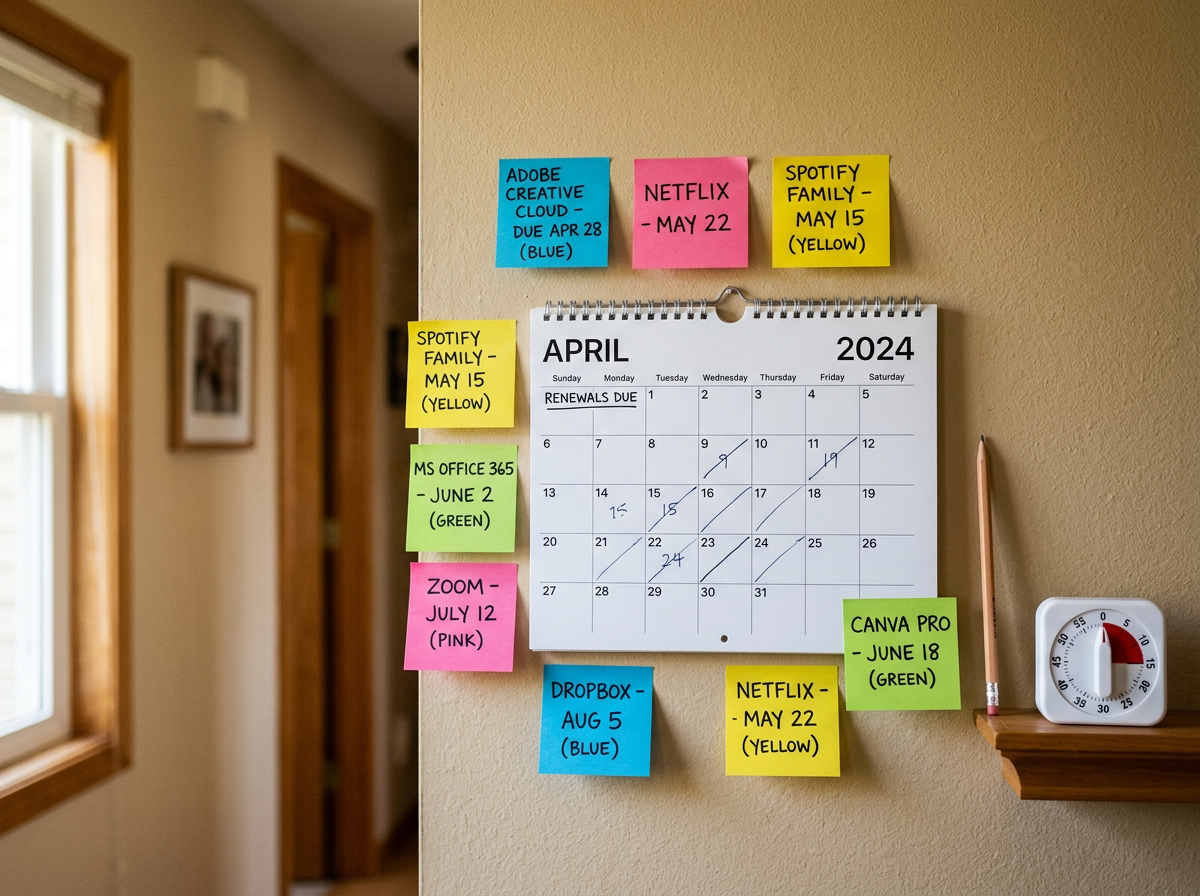
- Record the renewal date and notice deadline.
- Set reminders before the notice deadline, not just before renewal.
- Review usage and invoice history before contacting the vendor.
- Document the decision and final outcome.
- Update the tracker after the renewal is complete.
This does not need to be fancy. It needs to be consistent.
Give every tool a real owner
Shared ownership often means no ownership.
Each software product should have a business owner who can answer whether the tool is still needed. This does not have to be the person who approves payment. It should be someone close enough to the work to know what the tool does.
The owner should be able to confirm:
- Who uses the tool
- What work it supports
- Whether the current package fits
- Whether users still need access
- Whether the tool duplicates another product
- Whether the team plans to grow or reduce usage
If no one can own a tool, that is a signal. The renewal should not proceed automatically just because the invoice arrived.
Build renewal reviews into normal operations
Renewal work should not depend on one person remembering dates.
Set calendar reminders. Use procurement workflows. Add review steps to budget planning. Ask finance to flag recurring software vendors. Ask IT or security to share app inventory where appropriate. Ask department leaders to confirm tools during planning cycles.
The more renewal review becomes part of normal operations, the less dramatic it becomes.
Track savings that actually happened
A spreadsheet estimate is useful, but it is not the same as money recovered.
If a renewal review identifies $25,000 in possible savings, that is only potential. Real savings happen when an invoice is reduced, a credit is issued, a refund is received, or a documented future cost is avoided.
Track outcomes clearly.
Common savings categories include:
- Reduced invoice
The renewed agreement costs less than the expected renewal amount.
- Avoided increase
The vendor planned a price increase, and the company negotiated it down or removed it.
- Seat reduction
Unneeded licenses were removed before renewal.
- Tier downgrade
The company moved to a lower package that still fits the work.
- Module removal
Paid add-ons were removed because they were unused.
- Credit or refund
The vendor issued money back or applied credit to future invoices.
- Cancellation
The company ended a tool that was no longer needed.
- Consolidation
A duplicate product was retired and work moved to an existing tool.
For each outcome, keep proof. That may be a final quote, signed order form, credit memo, updated invoice, cancellation confirmation, or email from the vendor.
This helps in two ways.
First, it shows the work had a real business impact. Second, it gives next year’s reviewer a clean starting point.
Use a clear baseline
Savings only mean something if the baseline is clear.
For renewals, the baseline is often one of these:
- The current annual cost
- The vendor’s proposed renewal cost
- The expected cost with a planned increase
- The cost of renewing at the same quantity and tier
- The cost the company would have paid without cancellation
Pick the baseline that best reflects the decision, then document it.
For example, if the current contract costs $80,000 and the vendor proposed renewal is $92,000, a final agreement at $84,000 may be a $8,000 avoided increase compared with the quote. It is not a $4,000 increase story unless you are comparing it with last year’s spend.
Both views may be useful, but do not mix them.
Separate hard savings from soft savings
Hard savings show up in the budget or invoice. Soft savings are valuable, but less direct.
Hard savings include reduced invoices, refunds, canceled subscriptions, and documented avoided charges.
Soft savings might include fewer admin hours, cleaner access, better visibility, or reduced risk from removing unused tools. Those benefits matter. Just label them differently.
This keeps reporting honest and credible.
Watch for small tools that skip the usual process
Large software agreements usually get attention. Small subscriptions often do not.
A $19 monthly tool may not seem worth a review. One tool is not the problem. Hundreds of small renewals across teams can create noise, risk, and waste.
Small tools also tend to hide in card charges and expense reports. They may not have formal owners, security reviews, or central records. Some are useful. Some were used once and forgotten.
Set a practical threshold for review. Not every small app needs a procurement committee. But every recurring subscription should have at least a known owner, cost, and renewal path.
For AI tools, this is especially useful. New products appear quickly, teams test them fast, and subscriptions can spread before anyone has a full view. The review should include both cost and data considerations.
Ask:
- What data goes into the tool?
- Who approved the purchase?
- Who owns the subscription?
- Is there a company-approved alternative?
- Does the tool renew monthly or annually?
- Are there inactive users?
- Can the company cancel easily?
That is enough to catch many problems early.
Build a renewal scorecard
When renewal season gets crowded, a scorecard helps compare tools without overcomplicating the decision.
Use a simple rating system. For each tool, score the areas that matter most.
Review area | Question to answer |
|---|---|
Business value | Does the tool support work that still matters? |
Usage | Are enough people using it to justify the cost? |
Fit | Does the tier or package match current needs? |
Cost trend | Is spend stable, rising, or unclear? |
Duplication | Does another tool already cover the same need? |
Risk | Would cancellation create security, compliance, data, or operational issues? |
Flexibility | Can the company reduce, cancel, or change terms easily? |
This does not replace judgment. It gives the renewal conversation structure.
A tool with high value, high usage, and fair terms may be an easy renewal. A tool with low usage, rising cost, and duplicate features needs a harder look. A tool with low cost but high risk may still deserve attention.
The scorecard also helps avoid personal preference battles. The question becomes what the evidence shows, not who likes the product most.
What real savings look like
Real savings are not always dramatic.
Often, they look like steady cleanup:
- 40 unused seats removed before renewal
- A paid add-on dropped because no one used it
- A price increase capped before the next term
- Three similar tools reduced to one
- A forgotten pilot canceled before it renewed annually
- A support tier adjusted to match real needs
- A renewal notice changed from one person’s inbox to a shared process
None of those sound flashy. Together, they change the cost base.
They also build better habits. Each renewal teaches the company something about how it buys, uses, and tracks software.
The best outcome is not just a smaller invoice this year. It is a cleaner renewal process next year.
A practical renewal checklist
Use this checklist before the next major renewal lands.
- Find the contract, order form, invoices, and renewal notice.
- Confirm the renewal date and notice deadline.
- Identify the business owner and contract owner.
- Pull current license counts and usage data.
- Check for inactive users and unassigned licenses.
- Ask the business owner what the tool supports today.
- Look for duplicate or overlapping tools.
- Review the full invoice, including add-ons and usage charges.
- Compare current pricing with the vendor’s renewal quote.
- Read terms for auto-renewal, reductions, increases, and cancellation.
- Decide whether to renew, reduce, replace, consolidate, or cancel.
- Contact the vendor early with a specific request.
- Confirm final pricing and terms in writing.
- Update the tracker after the decision.
- Record confirmed savings with proof.
If that feels like a lot, start with the next five renewals above a meaningful spend threshold. Build the habit there, then expand.
Software renewals should not run on memory, luck, or whoever happens to open the email first. They need ownership, timing, and evidence.
Find the agreements. Check real use. Review the full cost. Read the contract before the deadline gets loud. Track savings only when they actually happen.
That is how a quiet renewal stops being a rent collector and starts becoming a real chance to save.